
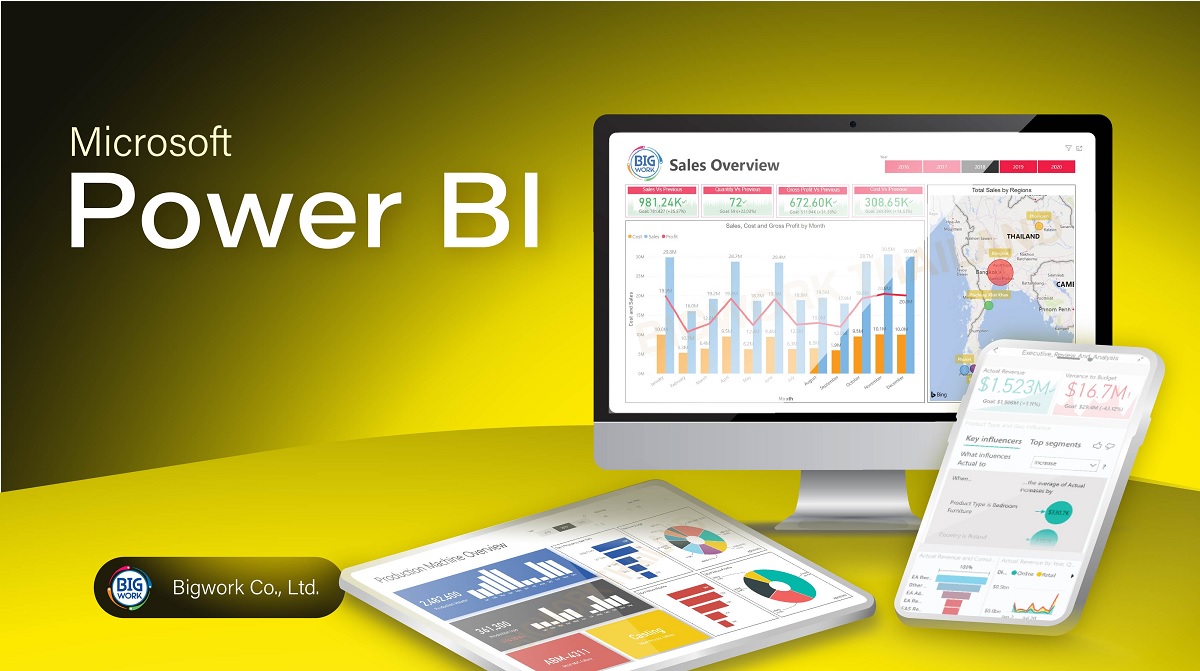
Businesses are constantly seeking ways to transform raw data into actionable insights. Power BI, a powerful business analytics tool by Microsoft, has emerged as a game-changer in this domain. This blog post explores how Power BI turns data into insights, enabling organisations to make informed decisions and drive success.
Introduction to Power BI
Power BI is a suite of business analytics tools designed to analyse data and share insights. It provides interactive visualisations and business intelligence capabilities with an interface simple enough for end users to create their own reports and dashboards. Power BI connects to a wide range of data sources, both on-premises and in the cloud, making it a versatile tool for data analysis.
Connecting to Data Sources
One of the key strengths of Power BI is its ability to connect to various data sources. Whether it’s an Excel spreadsheet, a cloud-based database, or an on-premises data warehouse, Power BI can seamlessly integrate with these sources. This flexibility allows businesses to consolidate data from multiple sources into a single, unified view.
Data Transformation and Cleaning
Before data can be analysed, it often needs to be transformed and cleaned. Power BI offers robust data transformation capabilities through Power Query. Users can perform a wide range of data cleaning tasks, such as removing duplicates, filtering rows, and merging tables. These transformations ensure that the data is accurate and ready for analysis.
Creating Interactive Visualisations
Power BI’s interactive visualisations are one of its standout features. Users can create a variety of charts, graphs, and maps to represent their data visually. These visualisations are not only aesthetically pleasing but also highly interactive. Users can drill down into the data, apply filters, and explore different dimensions of the data with ease.
Building Dashboards and Reports
Dashboards and reports are essential components of Power BI. Dashboards provide a high-level overview of key metrics and performance indicators, while reports offer detailed insights into specific areas of interest. Power BI allows users to create customised dashboards and reports that cater to their unique business needs. These can be shared with colleagues and stakeholders, fostering a culture of data-driven decision-making.
Real-Time Data Analysis
In a fast-paced business environment, real-time data analysis is crucial. Power BI supports real-time data streaming, enabling users to monitor live data and make timely decisions. This capability is particularly valuable for industries such as finance, retail, and manufacturing, where real-time insights can drive competitive advantage.
Advanced Analytics with AI and Machine Learning
Power BI goes beyond traditional data analysis by incorporating advanced analytics features powered by artificial intelligence (AI) and machine learning (ML). Users can leverage AI-driven insights, such as anomaly detection and predictive analytics, to uncover hidden patterns and trends in their data. These advanced analytics capabilities empower businesses to make proactive decisions and stay ahead of the competition.
Collaboration and Sharing
Collaboration is a key aspect of data analysis, and Power BI makes it easy to share insights with others. Users can publish their reports and dashboards to the Power BI service, where they can be accessed by authorised users. Additionally, Power BI integrates with other Microsoft tools, such as Teams and SharePoint, facilitating seamless collaboration and communication.
Security and Governance
Data security and governance are paramount in any organisation. Power BI offers robust security features to protect sensitive data. Users can define roles and permissions to control access to data and reports. Additionally, Power BI complies with industry standards and regulations, ensuring that data is handled securely and responsibly.
Best Practices for Using Power BI
To maximise the benefits of Power BI, consider the following best practices:
- Define Clear Objectives: Before starting any analysis, clearly define the objectives and key questions you want to answer. This will help you focus on the most relevant data and insights.
- Ensure Data Quality: High-quality data is essential for accurate analysis. Use Power BI’s data transformation tools to clean and prepare your data before analysis.
- Create User-Friendly Visualisations: Design visualisations that are easy to understand and interpret. Use appropriate chart types and avoid cluttering your dashboards with too much information.
- Leverage Advanced Analytics: Take advantage of Power BI’s AI and machine learning capabilities to uncover deeper insights. Experiment with different models and techniques to find the best fit for your data.
- Foster a Data-Driven Culture: Encourage collaboration and data sharing within your organisation. Use Power BI’s sharing features to distribute insights and promote data-driven decision-making.
Conclusion
Power BI is a powerful tool that transforms data into actionable insights. Its ability to connect to various data sources, perform data transformations, create interactive visualisations, and support real-time analysis makes it an invaluable asset for businesses. By leveraging Power BI, organisations can make informed decisions, drive success, and stay competitive in a data-driven world.
